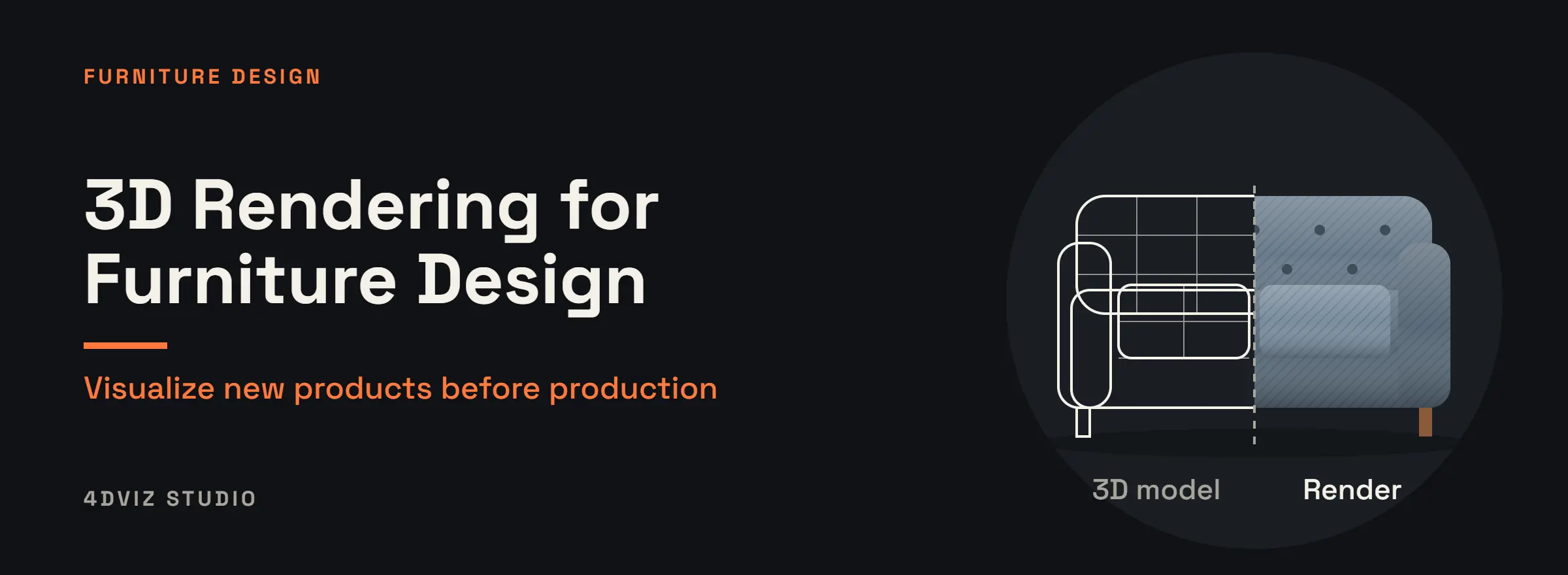
Furniture design is moving to digital tools, and 3D rendering is at the center of that change. 3D rendering for furniture lets designers, manufacturers, and retailers see a new piece, refine it, and market it without waiting for a physical prototype.
Buyers and retail partners now expect more than 2D drawings or mood boards. They want realistic previews that show materials, proportions, and how a piece looks in a real room. Rendering delivers that, and a well-built 3D model can later be reused for AR and interactive tools.
What is 3D Rendering in Furniture Design?
3D rendering is the process of creating realistic digital images of furniture from a 3D model. Unlike a drawing, a render shows finishes, textures, lighting, and real dimensions.
A sketch or CAD file is turned into a 3D model, and that model can be adjusted in size, color, and material before production starts. Designers can compare wood, leather, and fabric options on screen instead of building each one.
Why Visualization is Important in Modern Furniture Industry
Customers rarely buy a product itself. They buy how they imagine it will look and feel in their own space. A chair that looks perfect in a catalog can seem too large for a small apartment or too small for a spacious living room, and that gap creates hesitation.
Visualization closes the gap. Realistic room settings and multiple angles help customers judge scale, proportions, materials, and finishes before they buy. This matters most for online retailers, where buyers cannot touch the product.
Manufacturers face a practical problem too. Collections often come in several sizes, colors, and materials, and photographing every variation is expensive and slow. 3D visualization lets a brand show a whole range consistently across catalogs, websites, and marketing. Whether to show a piece on a clean background or in a styled room is its own decision, covered in our guide to silo vs lifestyle rendering.
As furniture shopping moves online, strong visuals are an essential part of helping customers buy with confidence.
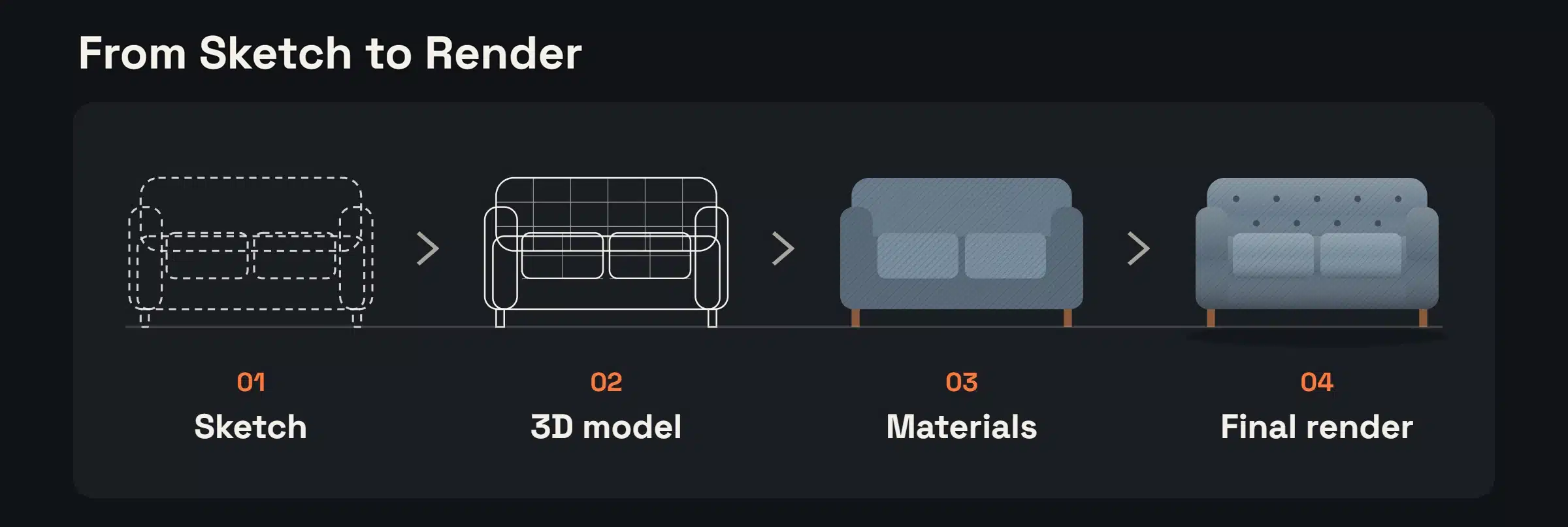
From Sketch to Render: How the Process Works
Most furniture rendering projects follow the same path:
Sketch, photo, or CAD file. The design starts as a drawing, a reference photo, or a technical file with dimensions.
3D model. The piece is built in 3D at real-world size.
Materials and finishes. Wood grain, leather, fabric, and metal are applied and tuned.
Lighting and camera. The scene is lit and framed for its final purpose, such as a catalog or a campaign.
Review and final renders. The client reviews and requests changes, then high-resolution images are delivered.
How Rendering Supports Furniture Concept Development
Turning Sketches into Digital Furniture Models
Designers often start from pencil sketches or CAD drawings. Converting them into a 3D model lets the design be rescaled, recolored, or retextured before a prototype is built. Problems with proportions or details show up on screen, when they are cheap to fix.
Improving Design Accuracy with CAD and Rendering
When CAD data and rendering are used together, dimensions and material usage stay accurate from design to image. That reduces design errors and the cost of rework later.
Benefits of 3D Rendering for Furniture Manufacturers
Lower Prototyping Costs
Prototypes take time and money. With 3D rendering, designers can compare several versions virtually and build physical samples only for the version they choose.
Faster Time to Market
Rendering shortens the path from design to decision. Teams can review and approve a design from images, and the same visuals can be used for marketing while the product is still in production.
Selling Before the Product Exists
Realistic renders let a brand announce a collection, gather feedback, and prepare product pages before the first unit is made.
A Better Customer Experience
Customers can see a piece in different materials and settings, which builds trust and makes buying decisions easier.
Technology Behind 3D Rendering for Furniture
Key Software Used to Render Furniture
Popular tools include:
Blender – Open-source and versatile.
Autodesk 3ds Max – Industry standard for the visualization of furniture.
KeyShot – Famous for photorealistic rendering.
SketchUp – Ideal for concept-level furniture modeling.
From Still Images to AR and Interactive Tools
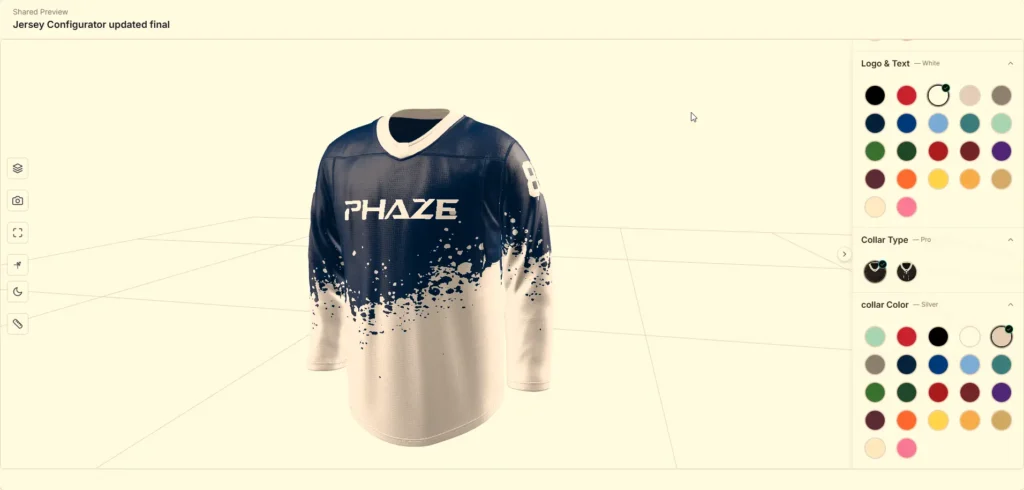
A render is a still image, but the 3D model behind it can be reused. An optimized version can power AR viewers and 3D product configurators, where customers rotate a piece, change fabrics, and place it in their own room. See our AR 3D modeling services and 3D product configurator.
AI tools can speed up some steps, such as concept images and background cleanup. Accurate dimensions, correct materials, and brand-consistent results still depend on a skilled 3D artist.
3D Rendering vs Traditional Prototyping
Physical prototype
3D rendering
Cost per variation
High, each variation is a new build
Lower, a material or color swap
Time
Slower, depends on workshop time
Faster, changes are made on screen
Variations
Each one needs another sample
Many options from one model
Best for
Ergonomics, strength, final product testing
Visualization, design review, marketing
When to Use Each Method
Rendering is the best tool for visualization and design review. Physical prototypes are still needed for final product testing, ergonomics, and strength checks. Most teams use both: rendering to narrow down the design, and a physical prototype to confirm the final version.
Conclusion
3D Rendering for Furniture is no longer a discretionary tool—it’s a requirement for contemporary furniture designers and makers. By providing cost-effectiveness, quicker development cycles, and interactive customer experiences, rendering has transformed the field of product development. And with emerging technologies enabled by the power of AI, AR, and VR, the future of furniture making is more innovative, sustainable, and customer-centric than ever previously.
Founder & Lead 3D Artist, 4dviz
Maruf is the founder of 4dviz and a skilled 3D artist with strong expertise in modeling, photorealistic rendering, and visualization. With a background in project management and team leadership, he has successfully built full 3D studios from scratch and led diverse projects with precision.
He enjoys hiking, cycling, swimming, camping, and spending time with his family.