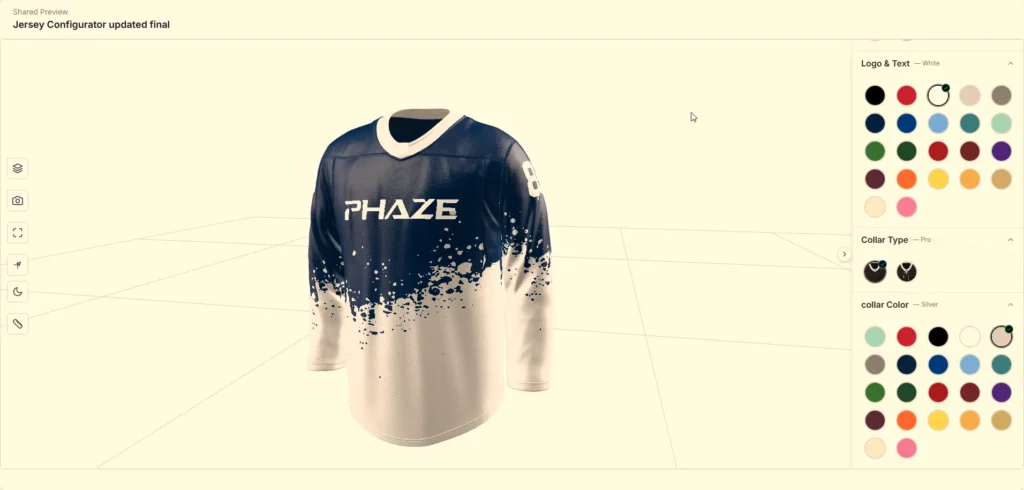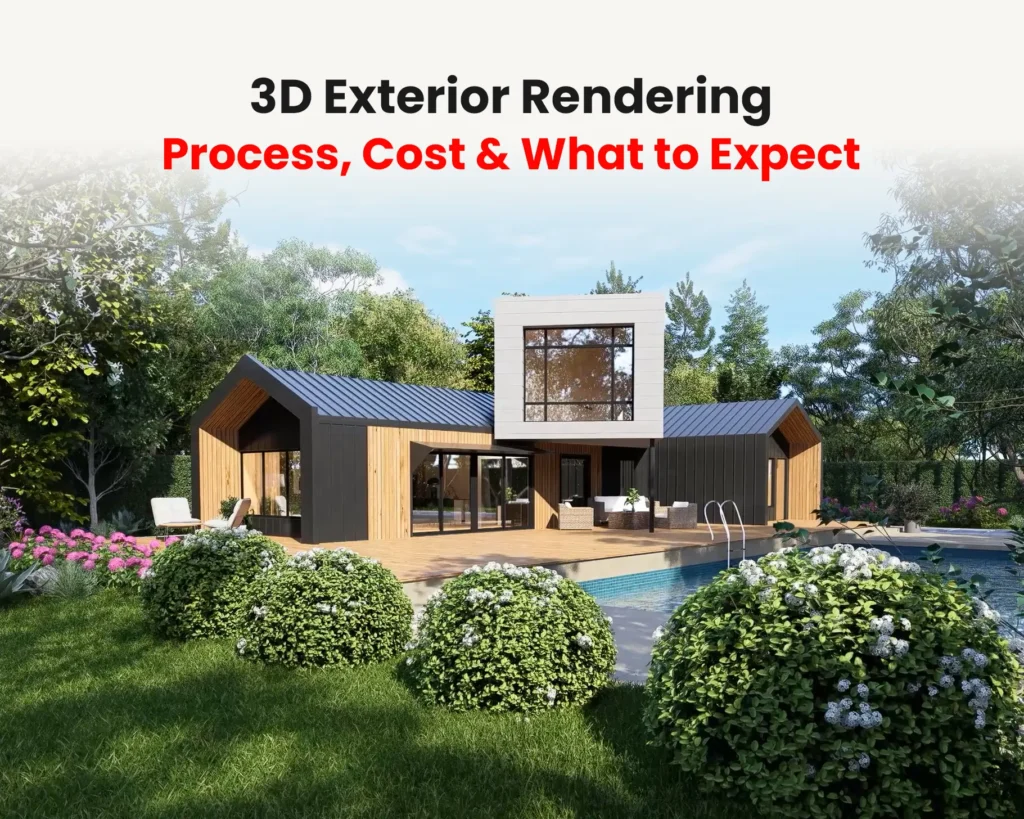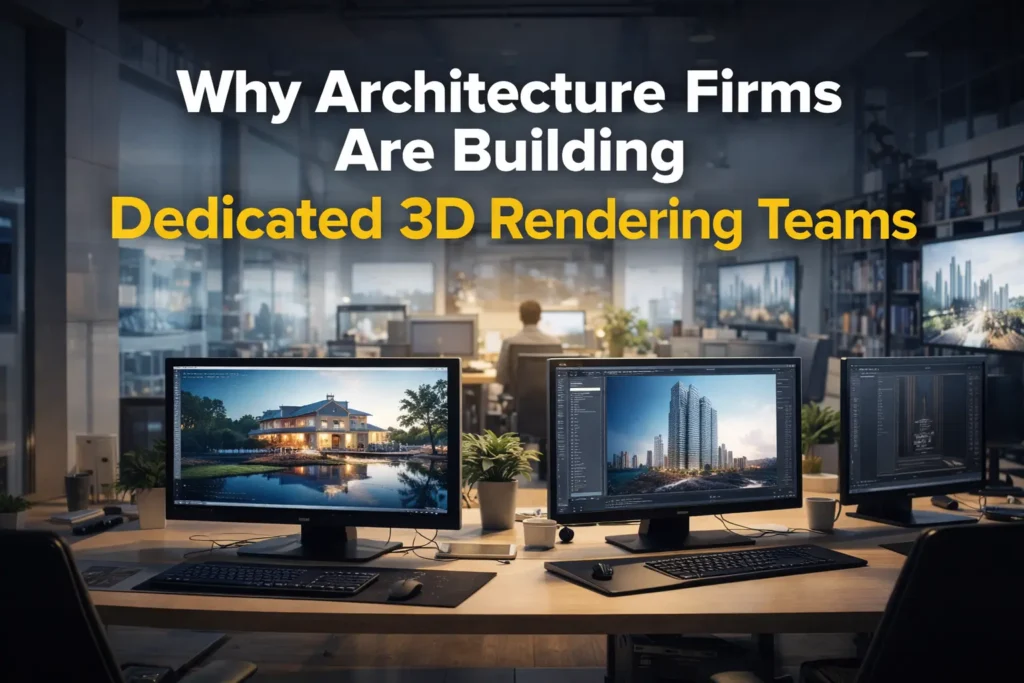

In today’s competitive furniture industry, visual presentation is everything. Before a product reaches a showroom or an online store, it has to win attention through its images. That is where photorealistic furniture rendering comes in.
A structured furniture rendering workflow transforms an early concept into powerful marketing visuals that drive sales. Whether you’re a furniture designer or a manufacturer preparing for a product launch, understanding this process helps you set realistic expectations and get better results from your rendering partner.
This guide walks through how we take a project from concept to final marketing-ready assets, including what we need from you and how revisions work.
For a broader look at why this shift matters for the industry, check out our overview on 3D rendering for furniture design.
1. Understanding the Concept & Project Goals
Every successful rendering project begins with clarity. Before opening any 3D software, we define:
- Target audience
- Product purpose (eCommerce, catalog, advertising)
- Required output types (white background, lifestyle scenes, 360° views)
- Brand identity and tone
A luxury brand may need dramatic lighting and premium textures. An office furniture supplier may need clean, minimal images that show scale and practical use. Clear communication at this stage reduces revisions later.
What We Need From You to Start
- Sketches, CAD drawings, or 3D files
- Dimensions and key construction details
- Material and finish references (swatches, samples, or photos)
- Reference images for style or room setting
- Brand guidelines or existing imagery, if you have them
The more precise these inputs are, the fewer questions and corrections come up later.
2. 3D Modeling: Building the Foundation
The next step in the furniture rendering workflow is accurate 3D modeling. We build models in 3ds Max from your sketches, CAD drawings, or product measurements.
Accuracy matters most for manufacturers, where dimensions, proportions, and construction details must match real production specs. We focus on:
- Real-world scale, so proportions and lighting behave correctly
- Clean topology, so the model renders efficiently and is easy to edit
- Edge detailing such as bevels and stitching, because real furniture never has perfectly sharp edges
- Functional parts (hinges, drawers, cushions) when the product needs them
A well-built model prevents problems later in the lighting and material stages.
3. Material Creation & Texture Development
Materials are what bring furniture to life.
Wood grains, fabric fibers, metal finishes, leather textures — all must respond realistically to light. This is often where beginners struggle and ask:
How to make furniture renders look realistic?
The answer lies in:
- High-resolution texture maps
- Accurate roughness and reflection values
- Proper bump and normal maps
- Realistic displacement where needed
For wood furniture, subtle imperfections in grain patterns make a major difference. For upholstery, fabric weave and softness must feel tactile even in a static image.
At this stage, artists aim to create a photorealistic product images pipeline that can be reused across multiple projects for efficiency and consistency.
4. Lighting Setup: Creating Mood & Realism
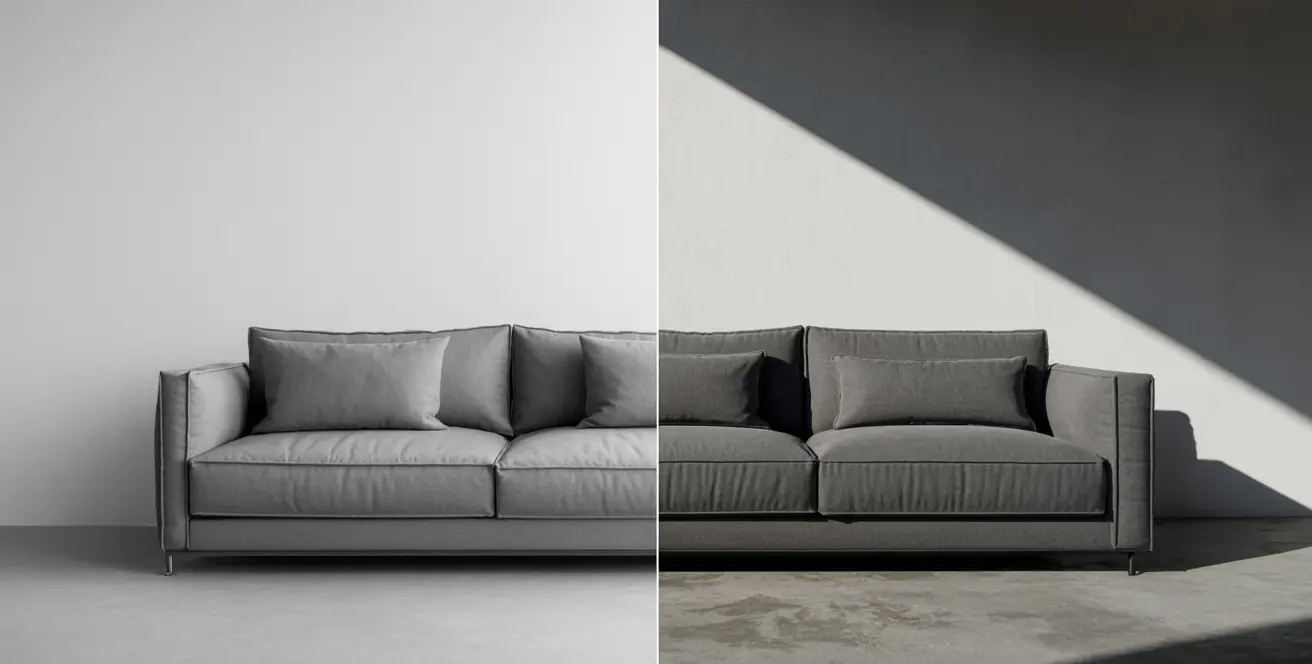
Lighting determines whether a render looks average or premium.
Professional furniture rendering typically uses:
- Studio lighting for white background renders
- HDRI environment lighting for natural reflections
- Area lights for soft shadows
- Accent lighting for dramatic marketing visuals
For product-focused images, clean lighting ensures clarity. For advertising campaigns and furniture lifestyle rendering, lighting adds emotional storytelling.
Correct light balance enhances realism and reduces overexposed or flat results.
5. Scene Composition & Environment Design
Depending on the marketing goal, furniture may be presented in different ways:
White Background Renders
Used for:
- Amazon and other marketplace listings
- eCommerce product pages
- Technical catalogs
These focus purely on the product’s shape, color, and detail. Marketplaces such as Amazon generally require a pure white background for main images, so check each platform’s current image rules before you finalize.
Lifestyle Scenes
Used for:
- Website banners
- Social media marketing
- Brand storytelling
Lifestyle scenes place furniture in realistic interiors, helping customers imagine the product in their own space. These lifestyle scenes often include coordinated décor, natural lighting, and contextual elements.
For brands building identity, strong marketing visuals for furniture brand depend heavily on scene composition.
To see why this approach consistently outperforms studio photography for furniture brands, read our full breakdown: 10 reasons 3D lifestyle rendering wins for furniture marketing.
6. Camera Setup & Perspective Control
Camera positioning influences perception.
Common setups include:
- Front orthographic view (technical catalogs)
- 45-degree angle (product showcase)
- Close-up detail shots (material quality)
- Wide interior framing (lifestyle marketing)
High-quality marketing renders typically include multiple camera angles, so the same piece can be used across a product page, social post, and catalog without a separate shoot for each.
Depth of field, focal length, and framing should always align with brand aesthetics.
7. Rendering & Optimization
With modeling, materials, lighting, and camera ready, the project moves to the rendering phase.
Key factors:
- Render engine settings
- Noise reduction
- Resolution output
- Color management
Professional studios and furniture CGI studio teams optimize render settings to balance quality and production time.
For manufacturers launching multiple SKUs, speed and consistency are essential. Efficient workflow allows rapid creation of color variations without rebuilding scenes from scratch.
For deeper technical guidance on lighting setups and render optimization, you can explore the official V-Ray documentation.
8. Post-Production & Image Enhancement
Raw renders often require subtle post-production work.
This includes:
- Color correction
- Contrast adjustments
- Background cleanup
- Reflection refinement
- Shadow enhancement
Post-processing refines the image into a final photorealistic furniture render ready for commercial use.
It is also where brand consistency is maintained through tone, brightness, and color grading.
9. Deliverables for Marketing & Sales
Once images are approved, we export them in the formats each platform needs:
- High-resolution catalog images
- Web-optimized product visuals
- Transparent PNGs
- 4K marketing banners
- 360-degree rotation sequences
Most projects combine white background renders, lifestyle scenes, color options, and close-up material shots. Everything is delivered in structured packages with revision rounds included, so you know what is covered up front. You can see current packages on our price list.
10. Workflow Efficiency & Revision Management
Professional workflow includes structured feedback stages.
A typical revision cycle:
- Model approval
- Material approval
- Lighting preview
- Final render confirmation
Clear communication reduces excessive revisions. However, including a set number of revisions in every package also builds trust — clients know upfront what’s covered and what isn’t.
Efficient asset management also allows reuse of materials and lighting setups, significantly improving productivity.
Who This Workflow Serves
The process is the same across furniture categories, but it plays out a little differently depending on who is using it.
eCommerce & Catalog Brands
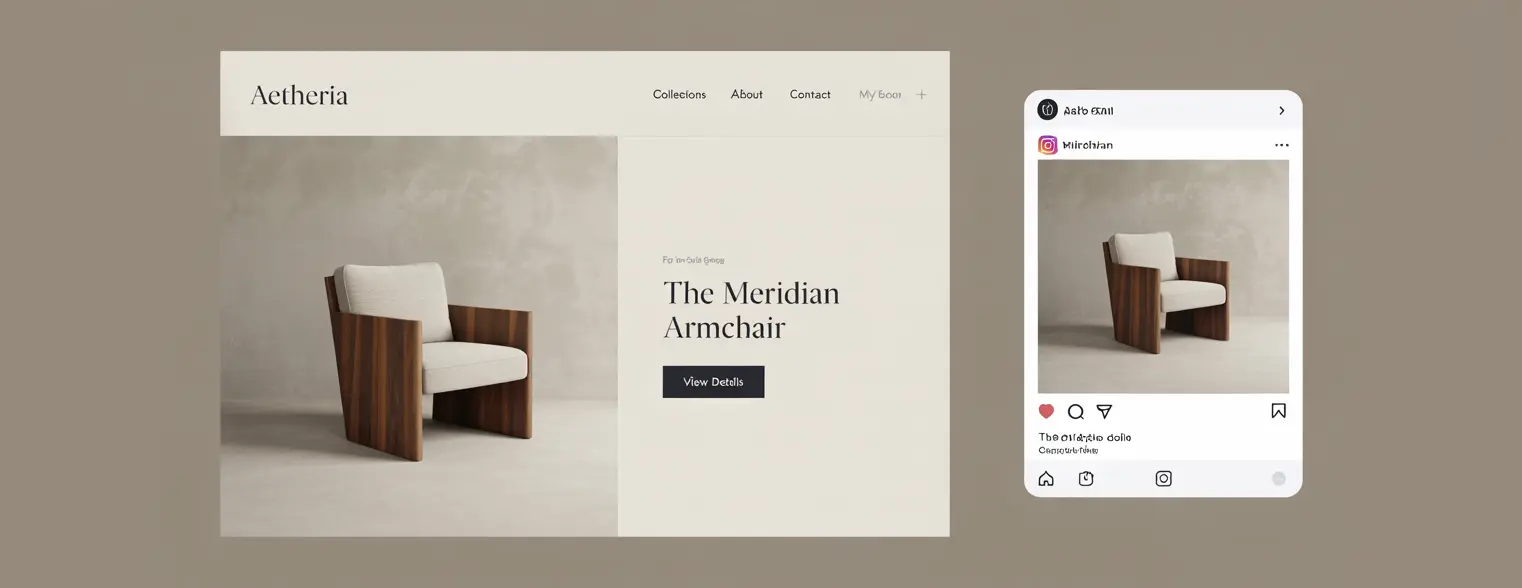
Rendering is now a common alternative to photography for catalog and online store images. Lighting, angles, and color stay consistent across every SKU, and you do not need a physical prototype or a studio shoot for each product. See how this fits into a wider plan in our guide to 3D rendering in furniture marketing.
Manufacturers
Manufacturers use CGI to showcase products before mass production, test new designs and finishes digitally, and generate marketing material for trade fairs and international markets — reducing risk and speeding up time-to-market.
Office & Commercial Furniture Brands
Office and commercial furniture needs a slightly different approach — space planning, functional layout, and realistic scale matter more here than dramatic lighting. For B2B buyers, accurate proportions and a professional, neutral presentation carry more weight than emotional storytelling. Explore our furniture rendering services
Furniture Rendering Workflow FAQs
What files do you need to start a furniture rendering project?
Sketches, CAD drawings, or existing 3D files, plus dimensions and material or finish references. If you only have measurements and photos, we can still build the model from those.
Can you render the same product in different colors or fabrics?
Yes. Once the model, scene, and lighting are set, color and fabric variations are made by swapping materials, which keeps the whole set consistent.
How many revisions are included?
Two revision rounds are included in every package, with approval points at the model, material, lighting, and final render stages.
What is the difference between a white background render and a lifestyle render?
A white background render shows the product alone and is used for listings and catalogs. A lifestyle render places it in a styled interior and is used for banners, social media, and brand storytelling.
How long does a furniture rendering project take?
It depends on model complexity and how many views and variants you need. We confirm the timeline in your quote before work starts.
Conclusion
Furniture rendering has evolved into a core business asset for designers, manufacturers, and retailers alike. From accurate 3D modeling and advanced material creation to lighting, scene composition, and final delivery, each stage in the workflow contributes to the success of the final output.
Whether you are operating as an independent artist or building a furniture product rendering company, mastering this end-to-end workflow ensures consistency, quality, and client satisfaction.
In a market where visual appeal directly influences purchasing decisions, investing in high quality furniture render for marketing is no longer optional — it is essential.
By refining your workflow and focusing on realism, efficiency, and strategic presentation, you can transform simple product concepts into powerful commercial assets that drive engagement and sales.
Ready to see this workflow applied to your own furniture line? Explore our 3D furniture rendering services