
In today’s competitive architecture and real estate market, 3D modeling is no longer optional — it’s essential. From initial concept design to final marketing visuals, choosing the right 3D modeling software for architecture can significantly affect your workflow, quality, and client outcomes.
At 4Dviz Studio, we’ve worked with dozens of modeling tools over the years, supporting clients ranging from independent architects to international developers. This guide covers the best 3D architecture modeling software in 2026 — with firsthand insight into what works, when to use it, and how we use these tools in our own studio pipeline.
Also working on texturing? See our guide on best 3D texturing software for professionals.
Why the Right Architectural 3D Software Matters
Architectural 3D modeling isn’t just about drawing walls and windows — it’s about:
- Communicating design intent clearly to clients and stakeholders
- Simulating materials and lighting accurately before construction
- Accelerating client approval processes and reducing revision cycles
- Generating visuals for marketing, planning submissions, and construction documents
Each software has its strengths, and the right choice depends on your project scale, presentation needs, budget, and workflow compatibility.
Top 5 Architectural 3D Modeling Software in 2026 — Compared
Here’s a real-world comparison based on our internal use and client projects at 4Dviz Studio:
| Software | Best For | Key Strength | Weakness | Price (2026) | Free? |
|---|---|---|---|---|---|
| 3ds Max | Photorealistic rendering | Industry gold standard with V-Ray/Corona | Steep learning curve | ~$235/month | ❌ |
| Blender | Versatility, small studios | Free, powerful, great community | Slower architectural workflows | Free | ✅ |
| Revit | BIM & construction docs | Best for collaboration with engineers | Weak native rendering | ~$365/month | ❌ |
| Rhino 3D | Parametric & organic design | Complex geometry with Grasshopper | Non-intuitive UI | ~$995 one-time | ❌ |
| SketchUp | Concept & early-stage design | Easy to use, huge asset library | Poor native rendering | From $129/year | ❌ |
1. 3ds Max — Best for Photorealistic Architectural Rendering
Ideal for: Mid-to-large scale projects, visualization studios, marketing teams
At 4Dviz Studio, 3ds Max is our primary tool for producing photorealistic architectural visuals. When combined with V-Ray or Corona Renderer, it delivers unmatched control over lighting, material behavior, and scene realism.
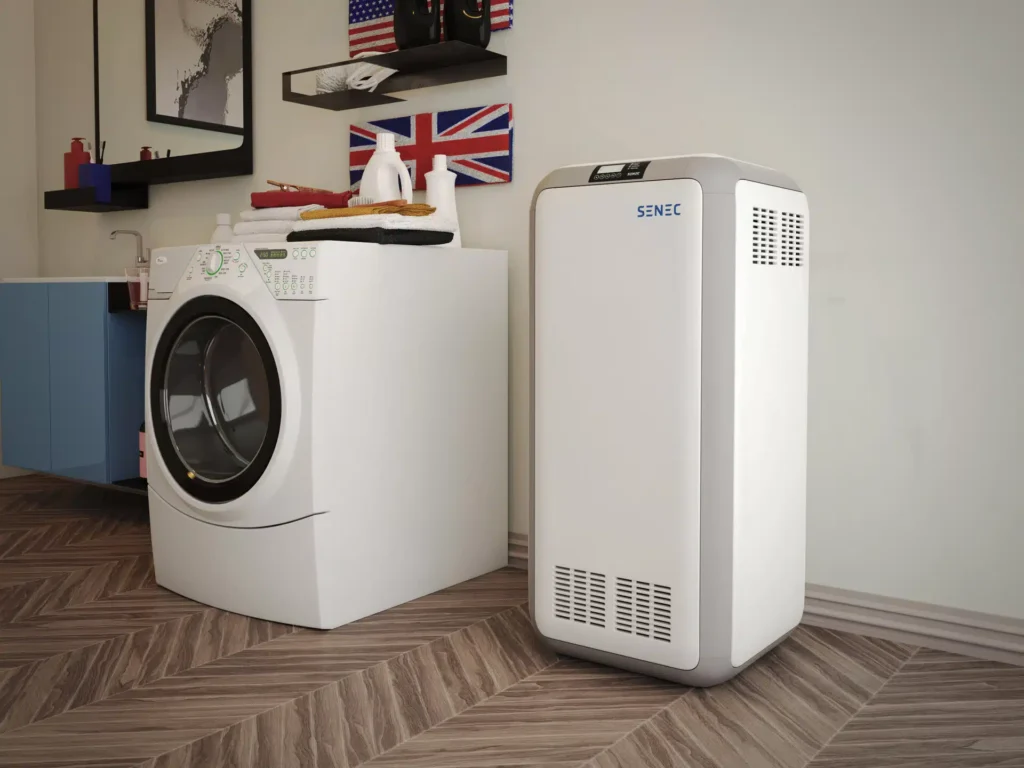
We especially rely on it for high-detail furniture modeling, architectural staging, interior visualization, and final marketing renders.
Key features:
- Industry-leading integration with V-Ray and Corona Renderer
- Powerful polygon modeling tools for architectural detail
- Advanced lighting simulation for photorealistic results
- Strong scripting and plugin ecosystem
- Wide industry adoption — works seamlessly with client files
Studio verdict: If you need photorealistic architectural renders for marketing or client presentations, 3ds Max + V-Ray is the benchmark. It’s what we use for our highest-quality exterior and interior rendering projects.
Price: ~$235/month (Autodesk subscription)
2. Blender — Best Free 3D Modeling Software for Architecture
Ideal for: Freelancers, startups, real-time previews, budget-conscious studios
Blender has come a long way and is now a genuine powerhouse — especially considering it’s 100% free. With the right add-ons and custom workflows, Blender handles concept modeling, environmental scenes, animations, and walkthroughs with impressive quality.
We use Blender at 4Dviz for early-stage modeling, collaborative previews, and projects where budget is a constraint.
Key features:
- Completely free and open-source — no subscription required
- Cycles and Eevee render engines for near-photorealistic results
- Active community with thousands of free add-ons
- Excellent for animations and architectural walkthroughs
- Regular updates with constantly improving architectural tools
Pro tip: With Cycles render engine and the right HDRI lighting, Blender can produce near-photorealistic architectural scenes — though it requires more tweaking than 3ds Max.
Price: Free
3. Revit — Best for BIM & Construction Documentation
Ideal for: Architects, engineers, construction teams needing BIM-ready deliverables
Revit isn’t about flashy visuals — it’s about data-rich modeling and collaboration. It’s the go-to choice for creating floor plans, sections, schedules, and coordinating with MEP and structural engineering teams.
Many of our clients send us Revit files for visualization work. We clean up the model, export the geometry, and bring it into 3ds Max or Blender for final photorealistic rendering.
Key features:
- Industry-standard BIM (Building Information Modeling) platform
- Real-time collaboration with engineers and contractors
- Automated floor plans, sections, and construction documents
- Strong interoperability with other Autodesk tools
Studio verdict: Use Revit for precision and documentation. Use 3ds Max or Blender for beauty and photorealism. They work best together.
Price: ~$365/month (Autodesk subscription)
4. Rhino 3D — Best for Parametric & Complex Geometry
Ideal for: Complex parametric architecture, facade design, experimental forms
Rhino 3D shines when architectural form goes beyond simple rectangles and slabs. Paired with Grasshopper — its visual programming plugin — Rhino is a dream for parametric facades, organic structures, and custom mesh deformations.
We’ve used Rhino on large-scale urban projects and public installations where creative geometry was central to the design concept.
Key features:
- Handles complex NURBS and mesh geometry with precision
- Grasshopper plugin for parametric and algorithmic design
- Strong interoperability — exports to virtually any format
- One-time license — no ongoing subscription required
Best use case: Zaha Hadid-style architectural concepts, experimental facades, and any project where form is unconventional.
Price: ~$995 one-time perpetual license
5. SketchUp — Best for Fast Concept Modeling
Ideal for: Quick concepts, interior layout previews, early-stage client presentations
SketchUp remains a favorite among architects for its ease of use and speed. It’s not designed for high-end rendering, but it’s unmatched for rapid concept modeling, client walkthroughs, and early-stage design exploration.
Our clients frequently share SketchUp models, which we then refine and render using 3ds Max for final photorealistic output.
Key features:
- Extremely user-friendly — fastest learning curve of any architecture tool
- Massive 3D Warehouse library of free assets
- Great for quick client walkthroughs and layout planning
- V-Ray for SketchUp plugin available for better rendering
Limitation: Requires plugins like V-Ray for SketchUp to achieve decent photorealistic renders.
Price: From $129/year (Go) to $699–$1,199/year (Studio)
AI Tools Changing Architectural 3D Modeling in 2026
Artificial intelligence is transforming architectural 3D workflows in 2026. Here are the key AI developments every architect and visualization professional should know:
AI-Assisted Design Generation
Tools like Autodesk AI and Midjourney are now being used to generate concept architectural forms and layouts from text prompts — giving designers a rapid starting point that can be refined in Rhino or SketchUp.
AI Texture Generation
Adobe Substance 3D Sampler uses AI to convert real-world photos into PBR-ready architectural textures in minutes — dramatically speeding up material creation for 3D texturing workflows.
Real-Time Rendering with Unreal Engine
Unreal Engine 5 is increasingly used for architectural visualization in 2026 — enabling real-time, photorealistic walkthroughs that clients can explore interactively. This is changing how architects present designs to clients and developers.
AI-Powered Rendering
NVIDIA’s AI denoising technology dramatically reduces render times in V-Ray and other renderers — what previously took hours now takes minutes, without sacrificing quality.
4Dviz Studio Pipeline — What We Actually Use
Our studio pipeline is built for high-efficiency, high-realism output. Here’s what we use at 4Dviz for our architectural rendering projects:
| Tool | Use Case in Our Studio |
|---|---|
| 3ds Max + V-Ray / Corona | Core software for photorealistic architectural modeling and rendering |
| Blender | Early-stage modeling, animations, and budget-friendly projects |
| Substance 3D Painter | High-resolution textures and material realism for surfaces and furniture |
| Photoshop | Final image editing, compositing, and visual enhancements |
| Marvelous Designer | Cloth and soft-surface simulations (curtains, cushions, bedding) |
| Client files (Revit/SketchUp) | We receive and optimize client files for rendering in our pipeline |
This optimized toolchain helps us reduce delivery time while maintaining top-tier visual quality — even under tight deadlines.
How to Choose the Right 3D Modeling Software for Architecture
There’s no single “best” software for everyone. Here’s a quick decision guide:
| Your Need | Best Choice |
|---|---|
| Best photorealism for marketing | 3ds Max + V-Ray or Corona |
| Free, versatile option | Blender |
| BIM and construction documentation | Revit |
| Parametric and complex forms | Rhino 3D + Grasshopper |
| Fast concept modeling | SketchUp |
| Real-time interactive walkthroughs | Unreal Engine 5 |
| AI-assisted design generation | Midjourney + Rhino refinement |
Frequently Asked Questions
What is the best 3D modeling software for architecture?
For photorealistic rendering, 3ds Max with V-Ray or Corona Renderer is the industry standard. For a free option, Blender is the most powerful choice. For BIM and construction documentation, Revit is the go-to. The “best” software depends on your specific workflow and goals.
Is there a free 3D modeling software for architecture?
Yes. Blender is the best free 3D modeling software for architecture — it’s open-source, constantly updated, and capable of photorealistic rendering with the Cycles engine. SketchUp also offers a limited free web version for basic modeling.
What 3D software do most architects use?
Most architecture firms use a combination of tools. Revit is widely used for BIM and documentation. SketchUp is popular for concept design. For photorealistic visualization, 3ds Max, Blender, and increasingly Unreal Engine 5 are the most common choices in 2026.
Can I use SketchUp for architectural rendering?
SketchUp’s native rendering is basic, but with the V-Ray for SketchUp plugin, you can achieve high-quality renders. Many architects use SketchUp for modeling and then export to 3ds Max or a dedicated rendering tool for final photorealistic output.
What is BIM software and do I need it?
BIM (Building Information Modeling) software — primarily Revit — creates data-rich 3D models that include structural, MEP, and construction information alongside geometry. Architects working on large commercial projects or collaborating with engineering teams typically need BIM. For visualization-only work, it’s not required.
How much does 3D architectural modeling software cost?
Costs vary widely. Blender is completely free. SketchUp starts from $129/year. Rhino 3D is ~$995 as a one-time purchase. 3ds Max and Revit are both Autodesk subscription tools at ~$235–$365/month. If cost is a barrier, outsourcing to a studio like 4Dviz can be more cost-effective than licensing professional software yourself.
What 3D modeling software does 4Dviz use?
Our primary tool is 3ds Max with V-Ray and Corona Renderer for photorealistic architectural rendering. We also use Blender for specific project types, Substance 3D Painter for texturing, and Photoshop for final compositing. We accept client files in Revit, SketchUp, and most other formats.
Don’t Want to Learn the Software Yourself?
Mastering professional 3D modeling software takes months. If you need photorealistic architectural renders without the learning curve, 4Dviz Studio handles the entire process for you — from your CAD files or sketches to final marketing-ready images.
- ✅ Transparent pricing — exterior renders from $49
- ✅ Studio-tested software workflow
- ✅ High-detail modeling and texturing
- ✅ 3–5 day turnaround
- ✅ Unlimited revisions
Contact us for a free consultation →
Also read:
Top 10 Best 3D Texturing Software in 2026
Best Interior Design Rendering Software in 2026
Understanding Polygons in 3D Modeling
The Role of Lighting in High-Quality 3D Architectural Visualization
Complete Guide to Outsourcing Architectural Visualization