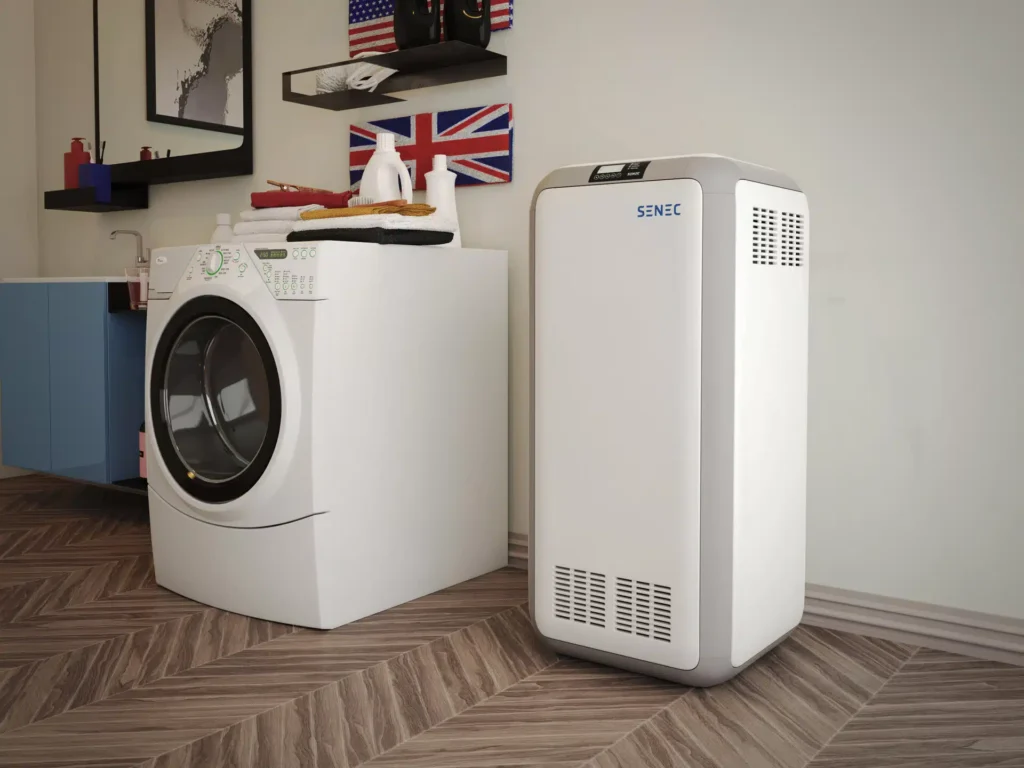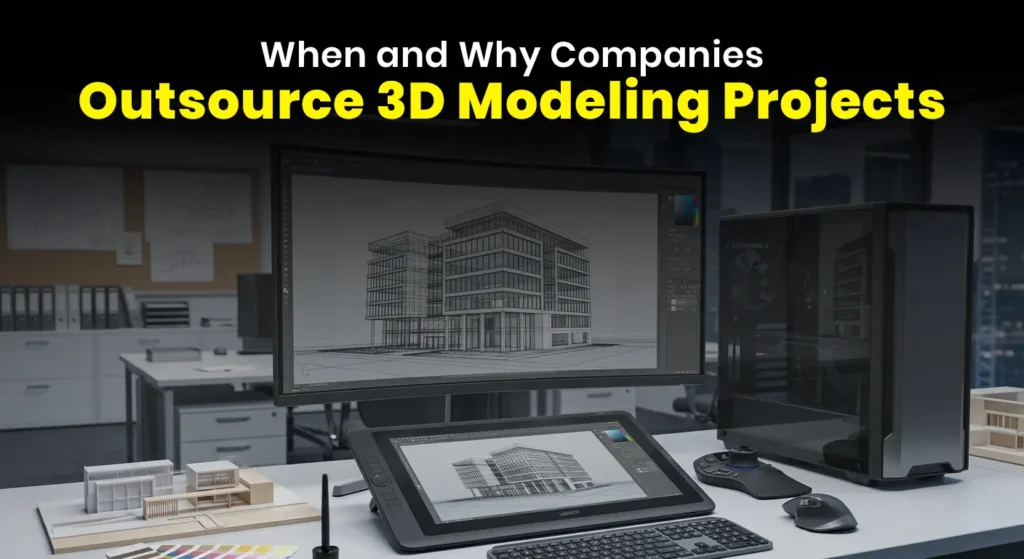
Untextured 3D models look flat and lifeless. The right 3D texturing software transforms them into photorealistic assets — adding wood grain, fabric stitching, metal scratches, weathering, and everything in between.
Whether you work in architecture, game development, film VFX, or product design, choosing the right texturing tool can make or break your workflow. In this guide, we compare the top 10 best 3D texturing software tools in 2026 — including free options — so you can find the perfect fit for your pipeline.
Also working with architectural models? See our guide on best 3D modeling software for architecture in 2026.
Top 10 3D Texturing Software in 2026
1. Adobe Substance 3D Painter: Best Overall

Adobe Substance 3D Painter is the industry standard for 3D texturing. Used by AAA game studios, film VFX teams, and independent artists worldwide, it delivers unbeatable realism through smart materials and PBR-ready tools.
Key features:
- Smart materials and procedural textures
- Real-time viewport rendering
- Seamless integration with Adobe ecosystem
- Non-destructive workflow
- Supports export to Unity, Unreal Engine, and more
Price: Subscription (included in Adobe Creative Cloud)
Best for: Game developers, product designers, and VFX artists who need professional-grade texturing.
Pro tip: Use Substance’s smart masks for quick weathering effects without manual painting — saves hours on complex surfaces.
2. Mari by Foundry: Best for Film & VFX

Mari is built for high-end VFX pipelines and has been used in major Hollywood productions. When you need ultra-realistic detail across enormous texture maps, nothing matches Mari’s performance.
Key features:
- Handles textures up to 32K resolution
- Unlimited UDIM support
- Procedural and hand-painting hybrid tools
- Strong Python API for pipeline automation
Price: License-based (enterprise pricing)
Best for: Film studios and VFX professionals working on character-heavy or high-resolution production pipelines.
3. Quixel Mixer: Best Free Option for Game Developers
Quixel Mixer is completely free for Unreal Engine users and tightly integrated with the Megascans library — giving you access to thousands of photoscanned, production-ready textures. For environment artists, this combination is hard to beat.
Key features:
- Direct Megascans integration
- Non-destructive layer-based workflow
- Texture painting and procedural blending
- Free for Unreal Engine users
Price: Free (for Unreal Engine users)
Best for: Game developers and environment artists using Unreal Engine.
4. 3D-Coat: Best All-in-One for Indie Developers
3D-Coat combines sculpting, retopology, UV unwrapping, and texturing in a single application — making it an excellent all-in-one solution for indie developers and freelancers who want to minimize their software stack.
Key features:
- PBR texturing workflow
- Real-time 3D painting
- Sculpting and retopology tools built in
- Smart materials
Price: Paid (affordable one-time license)
Best for: Indie developers and freelancers who want sculpting, retopology, and texturing in one tool.
5. ArmorPaint: Best Budget Alternative to Substance

ArmorPaint is the open-source alternative to Substance Painter. GPU-accelerated, layer-based, and available for a one-time low cost, it’s a strong option for artists who want a Substance-like workflow without the subscription.
Key features:
- GPU-accelerated painting for fast performance
- Layer-based system similar to Substance Painter
- Affordable one-time purchase
- Cross-platform (Windows, Mac, Linux)
Price: One-time purchase (very affordable)
Best for: Budget-conscious artists who want a Substance-like workflow without monthly fees.
6. Blender (Texture Paint Mode): Best Free 3D Texturing Software

Blender’s built-in Texture Paint mode makes it one of the best free 3D texturing software options available in 2026. Combined with its powerful UV unwrapping tools, a massive add-on library, and an active community, Blender is a serious contender for both beginners and experienced artists.
Key features:
- Built-in texture painting brushes
- Seamless UV unwrapping tools
- Huge add-on community
- 100% free and open-source
- Regular updates with new features
Price: Free
Best for: Beginners, hobbyists, and professionals who want a fully free texturing and 3D workflow. Also widely used in architectural 3D modeling.
7. ZBrush (Polypaint): Best for Character Artists

ZBrush is renowned for sculpting, but its Polypaint functionality makes it uniquely powerful for painting directly onto high-poly 3D meshes. Character artists love it for the seamless integration of detail sculpting with organic texture painting.
Key features:
- Polypaint directly on high-poly meshes
- Dynamic brush system
- Seamless export to other texturing tools
- Widely used in character and creature modeling
Price: Paid (one-time license available)
Best for: Character artists, creature designers, and sculptors who want to paint directly on high-poly models.
8. Mudbox (by Autodesk): Best for Maya & 3ds Max Users
Mudbox integrates smoothly with Autodesk’s 3D suite — making it a natural companion for Maya and 3ds Max users who need sculpting and painting without switching applications.
Key features:
- 3D paint layers with blending modes
- Strong sculpting and texturing combination
- Easy-to-learn interface
- Deep integration with Maya and 3ds Max
Price: Paid (Autodesk subscription)
Best for: Architects and designers already using Maya or 3ds Max who want a seamless texturing add-on.
9. Substance 3D Sampler: Best for AI-Assisted Texture Creation

Substance 3D Sampler turns real-world photos into PBR-ready textures using AI. If you work with scanned surfaces or need to quickly generate realistic materials from reference images, Sampler is a fast and powerful addition to your toolkit.
Key features:
- AI-powered texture generation from photos
- Material blending and tweaking
- Scan-to-material workflows
- Direct connection to Substance Painter
Price: Subscription (Adobe Creative Cloud)
Best for: Material artists and product designers who need to create realistic textures from real-world references quickly.
10. Krita: Best Free Tool for Hand-Painted Textures
Krita is primarily known as a 2D digital painting app, but it’s invaluable for hand-painted texture work and concept art. When combined with Blender or Substance Painter, it becomes a surprisingly capable texturing tool — and it’s completely free.
Key features:
- Free and open-source
- Advanced brush engines for detailed hand painting
- Great for concept textures and stylized art
- Works well alongside Blender for a fully free pipeline
Price: Free
Best for: Artists working on stylized or hand-painted textures, concept artists, and anyone building a zero-cost texturing pipeline.
Comparison Table: Top 10 3D Texturing Software 2026
| Software | Price | Best For | Key Strength | Free? |
|---|---|---|---|---|
| Substance 3D Painter | Subscription | Professionals | Industry standard, smart tools | ❌ |
| Mari (Foundry) | License | Film studios | High-res & UDIM support | ❌ |
| Quixel Mixer | Free* | Game developers | Megascans + Unreal Engine | ✅ (Unreal users) |
| 3D-Coat | One-time | Indie devs | All-in-one sculpt + paint | ❌ |
| ArmorPaint | One-time | Budget users | Open-source, GPU accelerated | ❌ (very cheap) |
| Blender | Free | Beginners & pros | Flexible, community-driven | ✅ |
| ZBrush | One-time | Character artists | Sculpt + paint on high-poly | ❌ |
| Mudbox | Subscription | Maya/3ds Max users | Autodesk integration | ❌ |
| Substance Sampler | Subscription | Material creators | AI texture generation | ❌ |
| Krita | Free | Hand-painted textures | Advanced brushes, concept art | ✅ |
How 3D Texturing Fits Into Architectural Visualization
For architectural rendering professionals, texturing is one of the most critical steps in producing photorealistic results. Accurate material representation — wood, concrete, glass, fabric, stone — is what separates a convincing architectural render from a flat, unconvincing one.
At 4Dviz Studio, our team uses industry-leading texturing tools to create photorealistic 3D architectural and interior renderings for architects, developers, and interior designers worldwide. Every material is carefully textured and lit to match real-world appearances — so clients can visualize the finished space with total confidence.
Contact us to discuss your next rendering project →
Frequently Asked Questions
Q. What is the best 3D texturing software for beginners?
Blender is the best free option for beginners — it includes texture painting tools, UV unwrapping, and a massive community of tutorials. Quixel Mixer is also beginner-friendly, especially for anyone working with Unreal Engine, as it gives instant access to thousands of ready-made textures.
Q. Which 3D texturing software is used in AAA games and films?
Adobe Substance 3D Painter is the standard for AAA game development. For film and VFX productions, Mari by Foundry is the go-to tool — used on major Hollywood productions for its ability to handle extremely high-resolution textures and complex UDIM workflows.
Q. Is there a free alternative to Substance Painter?
Yes. Blender’s Texture Paint mode is the best completely free alternative. ArmorPaint is another strong option — it offers a similar layer-based workflow to Substance Painter for a very low one-time cost. Quixel Mixer is free for Unreal Engine users.
Q. Can I use Krita as a 3D texturing tool?
Krita is primarily a 2D digital painting application, but it works well for creating hand-painted textures and concept art that can be applied to 3D models. It pairs especially well with Blender for a fully free hand-painted texturing pipeline.
Q. Do I need sculpting tools for texturing?
Not always. Tools like Substance Painter and Quixel Mixer are purely texturing-focused. However, for character art and organic surfaces, combining sculpting (ZBrush or Blender) with texturing (Substance Painter) gives the best results. For architectural visualization, sculpting is rarely needed.
Q. What is the difference between procedural texturing and hand painting?
Procedural texturing generates patterns mathematically — useful for tileable surfaces like wood, concrete, and fabric. Hand painting involves manually painting texture details directly onto a 3D model — better for unique, stylized, or character-specific surfaces. Most professional workflows combine both approaches.
Q. What 3D texturing software is best for architectural visualization?
For architectural rendering, Substance 3D Painter and Substance 3D Sampler are widely used for creating realistic material textures. Blender’s built-in tools are also popular for teams using a free workflow. The focus in arch-viz texturing is on accurate PBR materials — concrete, wood, glass, stone, and fabric.
Final Thoughts
The best 3D texturing software depends on your workflow, budget, and project type:
- Professionals in games or film → Substance 3D Painter or Mari
- Want the best free option → Blender or Quixel Mixer
- Indie dev or freelancer → 3D-Coat or ArmorPaint
- Character artist → ZBrush
- Hand-painted or stylized work → Krita + Blender
- AI-assisted material creation → Substance 3D Sampler
Experiment with a few tools before committing — many offer free trials. The right choice often depends on what the rest of your pipeline looks like.
Also read:
Best 3D Modeling Software for Architecture in 2026
Best Interior Design Rendering Software in 2026
The Role of Lighting in High-Quality 3D Architectural Visualization
Understanding Polygons in 3D Modeling