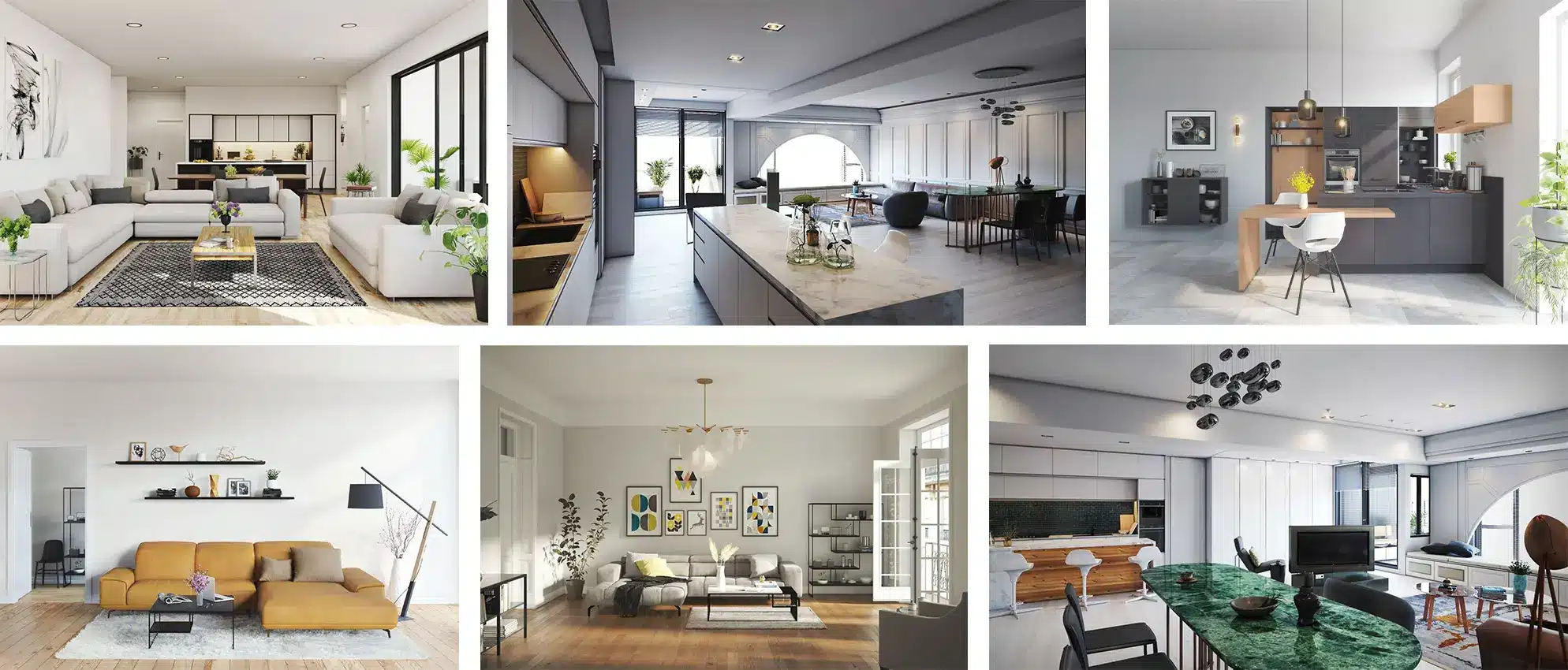
Interior design is no longer just about creating spaces with functional appeal; it’s about crafting immersive experiences that clients can feel and visualize before construction begins. In today’s digital age, 3D Rendering Services for Interior Designers have become a critical part of the design workflow. Through advanced rendering techniques, designers can create realistic visualizations that accurately represent materials, lighting, textures, and furniture within a space.
3D rendering services help streamline the design approval process, eliminate client confusion, and facilitate decision-making. Whether it’s a cozy residential living room or a vast commercial office space, 3D rendering ensures that clients see their ideas come to life in photorealistic images, helping them understand the impact of interior design choices.
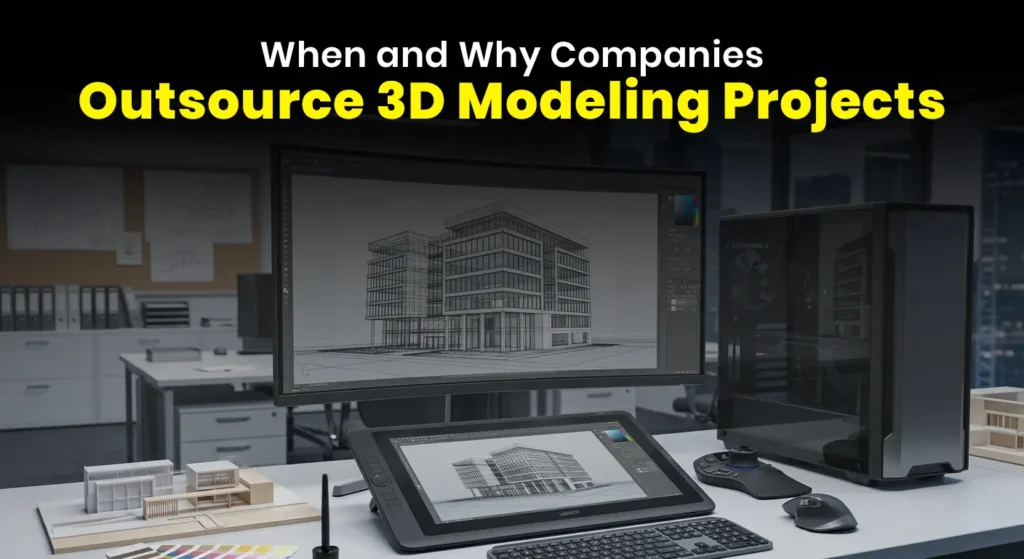
In this blog, we explore various tools that are integral to interior design rendering—such as 3ds Max, Corona, V-Ray, Twinmotion, and Lumion—and explain how they play a crucial role in enhancing the visualization process for designers and their clients.
The Importance of 3D Rendering in Interior Design
Interior designers work with clients to create visually cohesive and functional spaces. However, presenting abstract plans can often lead to misunderstandings. 3D rendering services solve this problem by transforming design concepts into photorealistic visuals that accurately reflect the intended outcome. Below are some reasons why 3D rendering is indispensable for interior designers:
1) Enhanced Communication with Clients
Effective communication with clients is essential to ensuring project success. Through 3D renderings, designers can deliver precise visual representations of their concepts. Clients can easily visualize the space’s feel and aesthetic, making it simpler for them to approve designs and offer constructive feedback.
2) Streamlined Design Approvals
By providing clients with lifelike images, designers reduce the number of revisions and prevent last-minute changes during construction. 3D renderings speed up the approval process, allowing designers to focus on other aspects of the project while clients feel confident about their decisions.
3) Better Control Over Design Decisions
3D rendering services give interior designers full control over design elements such as materials, lighting, and textures. Designers can experiment with different options and see how each element interacts in the rendered environment, helping them fine-tune details before making a final commitment.
4) Marketing Tool for Designers
For interior designers looking to expand their portfolio and attract new clients, 3D renderings act as a powerful marketing tool. High-quality visuals can be showcased on websites, social media, and client presentations, providing prospective clients with a glimpse into the designer’s work and style.
Key Tools for Professional 3D Rendering in Interior Design
Several tools are available to interior designers for modeling and rendering interior spaces. Depending on the scope of the project, design complexity, and client needs, different rendering tools may be better suited for specific tasks. The following are some of the most professional and widely-used tools for 3D rendering in interior design:
1. 3ds Max – Industry Standard for 3D Modeling
3ds Max is a widely used 3D modeling software in interior design. Its flexibility and powerful features allow interior designers to create highly detailed models of architectural elements, furniture, and decor. For designers working on intricate spaces or large-scale projects, 3ds Max offers a reliable and efficient modeling platform.
2. Corona Renderer – Realistic Lighting for Photorealistic Results
When it comes to photorealistic rendering, Corona Renderer is one of the most popular choices. Known for its ease of use and ability to produce stunning results, Corona excels in natural lighting simulations, making it an ideal choice for designers working on interiors that require realistic light interactions with materials.
3. V-Ray – Precision and Control
V-Ray is another powerful rendering engine known for its versatility and precision. It allows interior designers to control nearly every aspect of the rendering process, from lighting to materials and textures. V-Ray is particularly useful when working on complex lighting setups or materials that require precise control, such as polished marble or reflective surfaces.
4. Twinmotion – Real-Time Rendering for Quick Iterations
For designers who need fast feedback and easy-to-make adjustments, Twinmotion is an excellent choice. This real-time rendering software allows for immediate changes to lighting, materials, and camera angles. Twinmotion is especially beneficial for creating interactive presentations where clients can walk through the space and explore different design options.
5. Lumion – Real-Time Rendering for Immersive Walkthroughs
Lumion is another popular real-time rendering tool that allows interior designers to quickly produce high-quality visualizations. Lumion is perfect for creating immersive 3D walkthroughs and animations, enabling designers to showcase how light, shadow, and material changes will affect the space over time.
6. Enscape – Real-Time Visualization and VR Integration
For designers seeking interactive feedback from clients, Enscape is a real-time rendering tool that integrates seamlessly with Revit, SketchUp, and other 3D modeling software. It allows interior designers to create virtual walkthroughs that can be experienced in virtual reality (VR), providing a truly immersive experience for clients.
7. Blender – Free Open-Source Rendering for All Skill Levels
Blender is a free, open-source tool that is gaining popularity among interior designers. While it may not have the same level of out-of-the-box features as V-Ray or Corona, Blender provides an accessible entry point for designers who are just starting with 3D rendering. It supports advanced modeling, lighting, and rendering techniques.
Best Practices for Interior Designers Using 3D Rendering Services
While the tools are important, how you approach the 3D rendering process also impacts the final result. Here are some best practices to follow:
1) Collaborate Early with Your Renderer
Don’t wait until the design is “final” to engage a rendering specialist. Involve your visualization team early on, especially when making decisions about lighting, materials, and layout. The sooner you begin the 3D rendering process, the more opportunities you’ll have to fine-tune the design.
2) Define Your Style and Mood
Before you begin the rendering process, make sure you have a clear vision of the style and mood you want to create. Whether you are aiming for a modern, minimalist look or a cozy, traditional feel, clearly communicating this will help the renderer select the right materials, colors, and lighting.

3) Optimize Your Models
Avoid cluttered, overly complex models. Keep geometry clean, avoid unnecessary detail, and optimize your assets for rendering. This will not only make the rendering process faster but also ensure that the final result is crisp and clean.
4) Plan for Multiple Views
Make sure you capture the essential views of the space. Common angles include wide shots of the room, close-ups of key design features (e.g., furniture, art), and a view that emphasizes the spatial flow. Providing a variety of perspectives will give your clients a comprehensive understanding of the design.
Learn how to perfect your photorealistic 3D interior designs with these pro tips on creating realistic lighting, texture, and details. Click here for more to explore expert advice on bringing your design to life in 3D.
How to Choose the Right Rendering Tool for Your Project
Given the array of options available, selecting the right rendering tool is crucial to achieving the desired quality and speed. When deciding on a tool, consider the following factors:
1) Project Type and Complexity
For large-scale commercial projects or complex interior spaces, V-Ray or Corona Renderer is often the best choice due to their ability to handle detailed textures, lighting, and materials. For quicker, real-time feedback, tools like Twinmotion or Lumion may be better suited for fast iterations.
2) Real-Time Rendering Needs
If you require real-time visualizations, Twinmotion, Lumion, or Enscape are ideal. These tools allow you to adjust elements like lighting, material changes, and even the environment without waiting for lengthy render times.
3) Budget and Time Constraints
Some tools, like Corona and V-Ray, may require a paid license, while others like Blender are free. Consider your project budget and time constraints when choosing the tool. Real-time rendering tools like Lumion or Twinmotion provide faster results, while Corona and V-Ray may take longer but offer higher-quality final images.
4) Familiarity with Software
Choose a rendering tool based on your familiarity and expertise. If your team is already comfortable with 3ds Max, using Corona or V-Ray may be the most efficient. However, for those new to 3D rendering, simpler options like Twinmotion or Lumion can provide quicker learning curves and faster results.
FAQs
1) What is the best 3D rendering software for interior design?
The best software depends on your project needs. V-Ray and Corona Renderer are great for photorealistic quality, while Twinmotion and Lumion are excellent for real-time rendering and quick feedback.
2) How long does it take to render an interior design project?
The time it takes to render depends on the complexity of the scene and the rendering engine used. Simple scenes can be rendered in a few hours, while detailed and photorealistic images can take several days.
3) Can 3D renderings help with client presentations?
Yes, 3D renderings provide clients with a clear, accurate representation of the design, making it easier for them to understand the project and make decisions faster.
4) What other rendering tools can I use for interior design?
Along with V-Ray and Corona, other options include Blender, Twinmotion, Enscape, and Lumion. These tools cater to different stages of the design process and offer varying levels of realism and speed.
Conclusion: Revolutionizing Interior Design with 3D Rendering
3D rendering services are essential for interior designers who want to improve client communication, reduce revisions, and enhance the design process. With a variety of professional tools available, such as 3ds Max, V-Ray, Corona, Twinmotion, and Lumion, interior designers can create accurate and stunning visualizations that elevate their work.
By incorporating 3D rendering into your design workflow, you can make informed decisions, impress clients with photorealistic visuals, and ultimately streamline the design process from start to finish. Whether you are working on small-scale residential projects or large commercial designs, the right rendering tool can make all the difference in achieving exceptional results.